What is BYOD in IT Asset Management?
BYOD lets employees use personal devices for work, and this guide explains its impact on ITAM, key risks, and simple ways to stay secure.
What is BYOD?
BYOD stands for Bring Your Own Device. It means that employees use their personal devices such as smartphones, laptops, and tablets for work. Many companies use BYOD because it allows workers to use devices they are already familiar with.
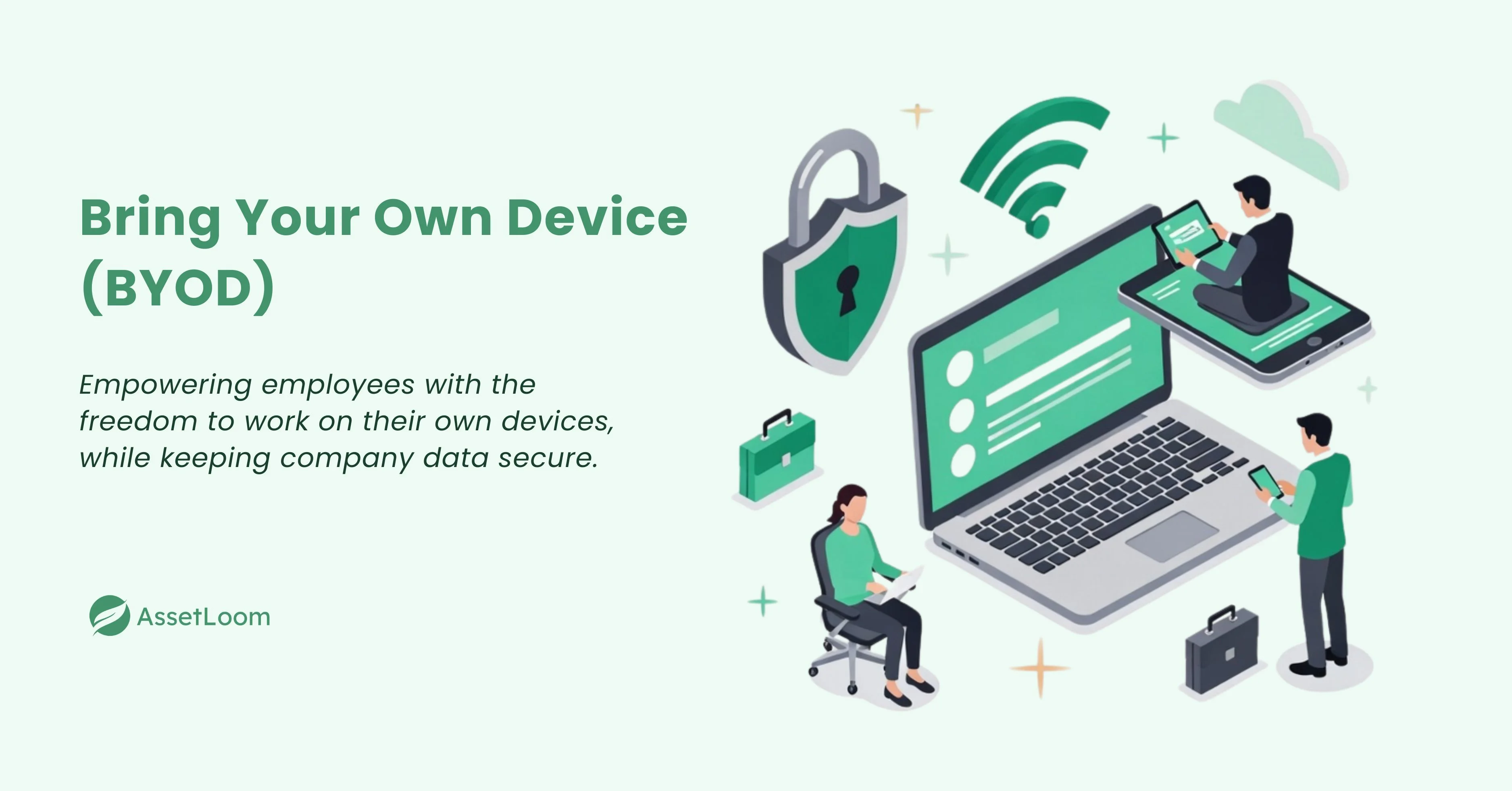
This approach is part of the trend toward flexible work. Employees can work from anywhere and use their own technology. For businesses, BYOD can save money since employees provide their own devices. However, BYOD also brings some challenges. There are concerns about security and tracking these personal devices.
BYOD in the Context of IT Asset Management
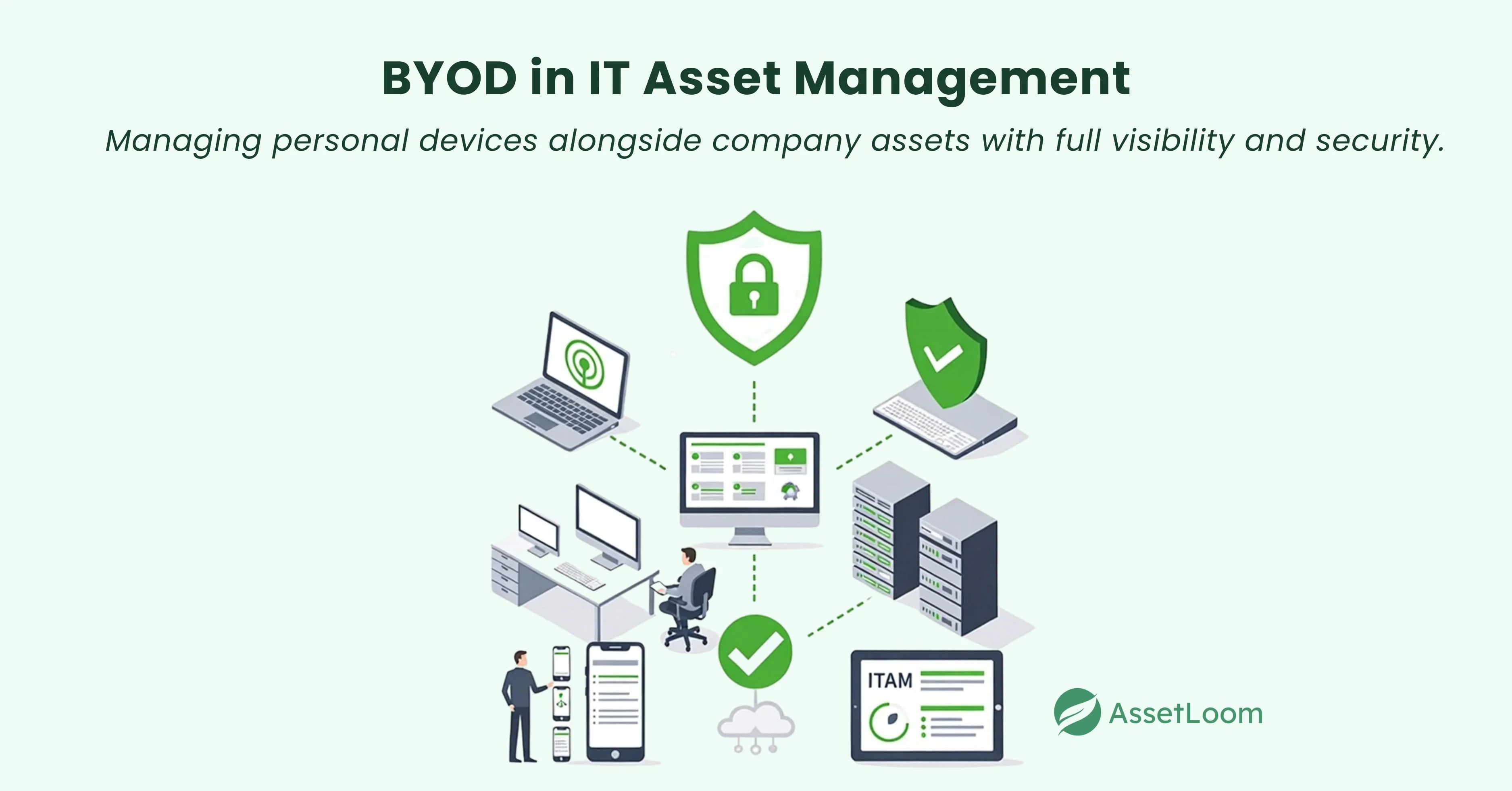
When employees use their personal devices for work, it adds new challenges for IT Asset Management (ITAM). Usually, IT teams track company-owned devices, like laptops and smartphones. With BYOD, personal devices become part of the mix, making it harder to manage everything.
Challenges of BYOD in ITAM
- Security Risks: Personal devices may not meet the company’s security standards. For example, if an employee uses their personal laptop for work but it hasn’t been updated with the latest security patches, it could expose company data to risks.
- Lack of Visibility: IT teams may not know which personal devices are connected to the network. This makes it hard to track devices or know what software is being used.
- Device Lifecycle Management: IT teams struggle to track the full lifecycle of personal devices, from purchase and maintenance to disposal.
How ITAM Tools Can Help
- Remote Monitoring: IT teams can use tools like Mobile Device Management (MDM) software to track and manage both company and personal devices.
- Security Compliance: MDM can help ensure that all devices, whether personal or company-owned, are secure and meet company policies.
- Centralized Control: ITAM tools give IT teams a single place to monitor all devices, making it easier to spot issues and stay compliant.
Key Components of a BYOD Policy
A well-crafted BYOD policy ensures a balance between organizational needs and employee flexibility while addressing potential risks. Key components include:
- Device Eligibility: Clearly specify which devices and operating systems are allowed for work purposes.
- Security Requirements: Implement essential security measures, such as mandatory antivirus software, encryption, strong password policies, and Mobile Device Management (MDM) tools to monitor and enforce security standards.
- Acceptable Use: Define the types of activities that are allowed and prohibited on personal devices during work hours to ensure proper use.
- Data Access and Restrictions: Outline which company resources employees can access on personal devices. Ensure that proper permissions are in place to protect sensitive data.
- Policy Enforcement: Utilize tools like Identity and Access Management (IAM) to monitor employee activities, enforce compliance, and detect unauthorized access. Clearly communicate the consequences for policy violations to maintain accountability.
- Support and Maintenance: Define the organization’s role in troubleshooting and maintaining personal devices. Also, outline the employee’s responsibilities in ensuring their device remains compliant with company policies.
How Does BYOD Work?
BYOD offers employees flexibility, allowing them to use personal devices for work, boosting productivity. When implemented with proper security measures, it combines convenience and safety.
1. Establishing a Secure BYOD System
To ensure that personal devices are securely connected to your network, follow these steps:
- Strong Passwords & Encryption: Require all devices to use strong passwords and data encryption to protect sensitive information.
- Data Storage Guidelines: Decide which types of sensitive data can be stored on personal devices and which should remain on company-managed systems.
- Security Tools: Implement Mobile Device Management (MDM) or data management software on personal devices to monitor and enforce security policies.
- Session Lockouts: Set up time-based lockout features, so if a device is left unattended, it will automatically lock after a certain period, reducing the risk of unauthorized access.
- Remote Wipe: Have a procedure in place to remotely erase company data from personal devices in case they are lost or stolen.
2. Device Eligibility & Limits
Not all devices are equal in terms of security. To prevent unauthorized or less secure devices from connecting, define which devices are allowed and how many can access your network. Here are key questions to guide your decision:
- Outdated Devices: Should older devices with unsupported operating systems be allowed on your network? These devices may have security flaws that are no longer patched by the manufacturer.
- Device Limitations: Should employees be allowed to bring multiple devices? A cap on the number of devices can reduce risks and help streamline security management.
- Security Tools Compatibility: Do your current security tools cover mobile devices such as phones and tablets, or are they limited to desktops and laptops? Consider upgrading security software if necessary.
3. BYOD Security Risks
BYOD introduces unique security risks. One of the main concerns is that personal devices are often outside the company’s control. When devices are used both at home and the office, they are exposed to more threats, such as viruses, malware, and physical theft. A device that’s used in a public space or at home is at greater risk of being compromised.
- Physical Access: A device left at an employee’s home is more vulnerable to theft, whereas an office-based device has physical security measures like key cards or biometric authentication.
- Increased Malware Exposure: Personal devices are more likely to be exposed to malware, as they spend more time outside the company’s firewall protections, increasing their vulnerability to cyberattacks.
4. Protecting Data & Network Integrity
To minimize risks, your organization should enforce strict security protocols for all BYOD devices. This includes regular monitoring for compliance with security policies and ensuring that personal devices are equipped with up-to-date security software. Additionally, train employees on how to safely use their devices for work to minimize the risk of data breaches.
What Are the Pros and Cons of Having a BYOD Policy?
A BYOD policy offers both benefits and challenges for businesses.
Pros of BYOD
- Cost Savings: BYOD can reduce the company’s hardware expenses since employees provide their own devices.
- Increased Productivity: Employees are more comfortable with their personal devices, which can lead to faster work and increased productivity.
- Flexibility and Convenience: Employees can work from anywhere, using their own devices. This leads to greater flexibility, especially in remote or hybrid work environments.
- Employee Satisfaction: Many employees prefer using devices they are already familiar with. BYOD can improve job satisfaction and morale by offering this choice.
- Faster Implementation: Since employees already own the devices they’ll use, there’s no need to wait for company-approved hardware, speeding up device deployment.
Cons of BYOD
- Security Risks: Personal devices may not meet the company’s security standards, making them vulnerable to cyberattacks. This could put sensitive company data at risk.
- Compliance Challenges: Ensuring that personal devices comply with industry regulations and company policies can be difficult. This can lead to issues with data protection and privacy.
- IT Management Complexity: Managing a wide range of devices with different operating systems and software versions can be time-consuming for IT teams. It’s harder to ensure all devices are properly secured and updated.
- Device Compatibility Issues: Personal devices may not be compatible with certain company applications or software, leading to inefficiencies or restrictions in what employees can do.
- Potential for Data Leakage: Mixing personal and work data on the same device can increase the risk of accidental data leakage, especially when employees use unapproved apps or cloud services.
Security Measures for BYOD
Protecting company data on personal devices is crucial for any BYOD policy. Effective security measures include:
- Mobile Device Management (MDM): MDM tools allow organizations to monitor, manage, and secure personal devices used for work, ensuring compliance with security standards.
- Multi-Factor Authentication (MFA): MFA adds an extra layer of security, ensuring that only authorized users can access sensitive company data.
- Data Encryption: Encrypting data both at rest and in transit protects company information from being intercepted or accessed without permission.
- Remote Wipe Capabilities: If a device is lost or stolen, remote wipe ensures that corporate data can be erased quickly to prevent unauthorized access.
- Secure Networks: Employees should always connect to secure Wi-Fi networks or use Virtual Private Networks (VPNs) when accessing company resources, keeping data safe from external threats.
How AssetLoom Helps Manage BYOD?
Managing BYOD is easy with AssetLoom. It offers a simple solution for handling personal devices at work.
With real-time tracking, you can monitor all devices connected to company systems using CMDB. This helps keep everything secure and compliant. AssetLoom also provides clear device health insights, letting IT teams spot issues early and fix them quickly to avoid downtime.
The system works with security tools like Mobile Device Management (MDM). This helps manage all devices in one place. Automated checks ensure devices meet security standards, reducing risks by enforcing policies.
AssetLoom fits any organization, big or small. Its simple interface makes it easy for employees and IT teams to stay on top of device management.
AssetLoom Introduction: Optimize Your IT Assets Today
BYOD FAQs
1. Can employees use any personal device for work?
It depends on your company’s BYOD policy. Most companies have guidelines that specify which devices are allowed based on security, compatibility, and functionality.
2. Will employees be reimbursed for using their personal devices?
Some companies offer reimbursement for data plans, device maintenance, or other related costs. This varies by company and policy.
3. How can employees secure their personal devices for work?
Employees should follow the company’s security guidelines, which may include setting strong passwords, installing security software, and using encryption. IT may also require the use of mobile device management (MDM) tools.
4. What happens if an employee leaves the company with a BYOD device?
When an employee leaves, all company data should be wiped from the device to protect sensitive information. Companies should have a policy in place to ensure this happens.
5. Can personal devices be used to access all company systems?
Access may be limited depending on the security level of the device and the company’s policies. Sensitive data or certain systems may be restricted to company-owned devices for added security.
6. How does BYOD affect data privacy?
A well-structured BYOD policy ensures that personal data remains separate from company data. Employees’ personal information should not be accessed by the company unless it is part of a security issue.